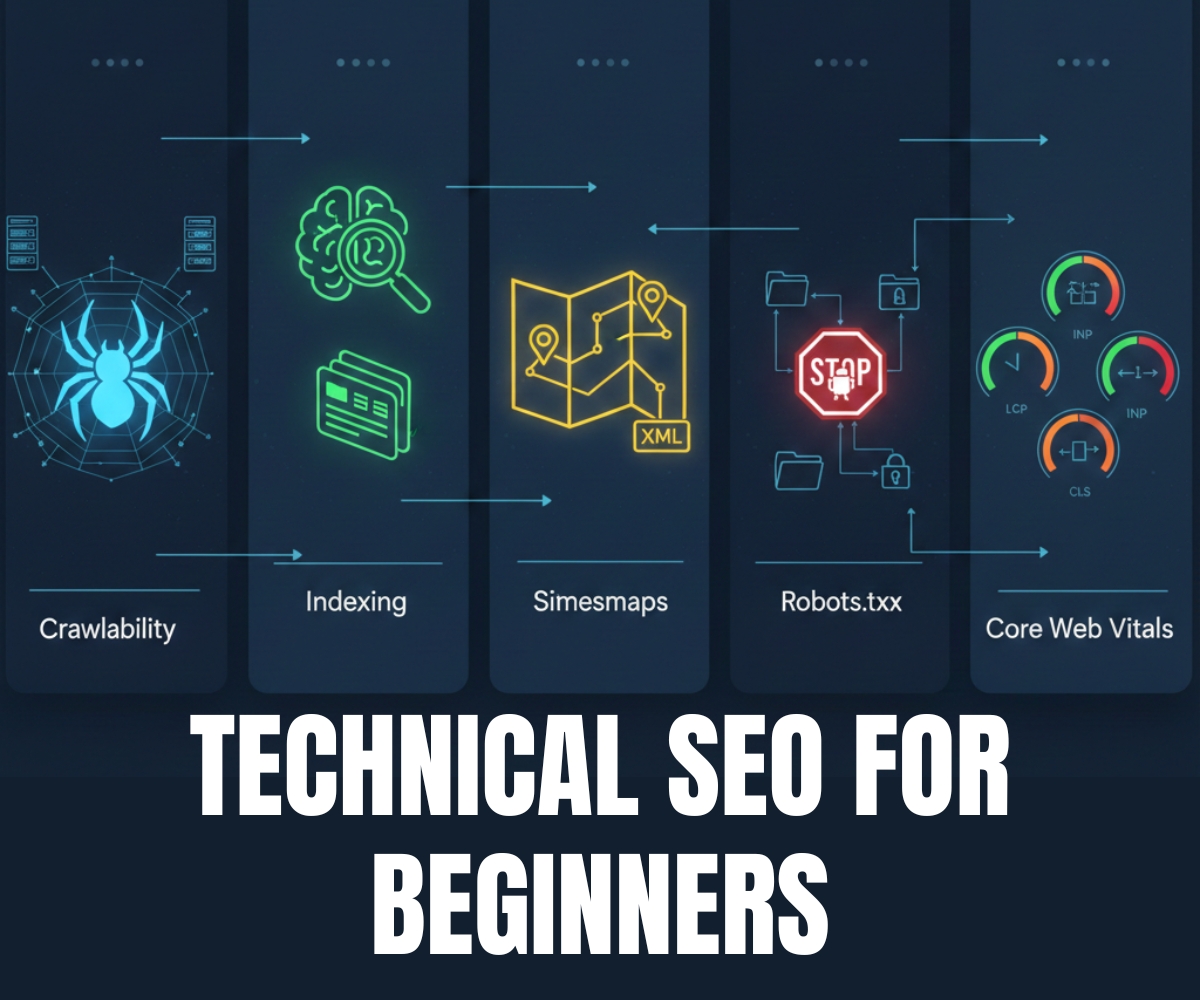
If you have ever wondered why your website doesn’t appear on Google despite publishing great content, the answer often lies in technical SEO basics. While most beginners focus on keywords and backlinks, the technical layer of SEO how search engines discover, read, and evaluate your site is what silently determines whether any of that effort pays off. This guide covers the five pillars you must understand before anything else: crawlability, indexing, sitemaps, robots.txt, and Core Web Vitals.
By the end of this post, you will know how Google discovers your pages, how to control what it sees, and how to measure the speed signals that directly impact your rankings.
What Is Crawlability in Technical SEO?
Before Google can rank your page, it has to find it. Search engines use automated programs called crawlers (also known as spiders or bots) that travel from link to link across the web, collecting information about each page they visit.
Crawlability is simply the ability of those bots to access and navigate your website. If a crawler hits a dead end — a broken link, a login wall, or a directive telling it to go away — that page effectively doesn’t exist as far as search engines are concerned.
Common SEO Crawl Issues to Fix First
Even well-designed sites can accidentally block crawlers. The most frequent culprits are:
Broken internal links— Pages that link to 404 errors waste your crawl budget.
Orphan pages— Pages with no incoming internal links are almost impossible for crawlers to find.
JavaScript-heavy rendering— Googlebot can render JS, but it’s slower and sometimes incomplete.
Redirect chains— Chaining multiple redirects (A → B → C) wastes both crawl budget and link equity.
You can audit your site’s crawlability using free tools like Google Search Console (check the “Coverage” report) or Screaming Frog SEO Spider (free up to 500 URLs). These tools simulate what Googlebot sees and flag any access problems.
Indexing Getting Your Pages Into Google’s Library
Crawling and indexing are related but different. Crawling is the discovery phase; indexing is when Google decides to add a page to its giant database the index after analyzing its content, quality, and relevance.
A page that has been crawled is not automatically indexed. Google may choose to skip pages it considers thin, duplicate, or low-quality. Understanding the difference saves you from chasing rankings for pages that Google has deliberately excluded.
Key Indexing Signals for Better Search Visibility
1. Use the noindex tag intentionally
Add <meta name="robots" content="noindex"> only on pages you genuinely don’t want indexed — thank-you pages, admin pages, duplicate content. Accidentally applying it to important pages is one of the most common SEO mistakes.
2. Handle canonical tags correctly
If similar pages exist (e.g., /products?sort=price and /products), use a rel="canonical" tag to tell Google which version is the “real” one you want indexed.
3. Check index status in Search Console
Use the URL Inspection Tool inside Google Search Console to see whether a specific page is indexed, and to request indexing for newly published pages.
XML Sitemaps Your Website’s Table of Contents for Google
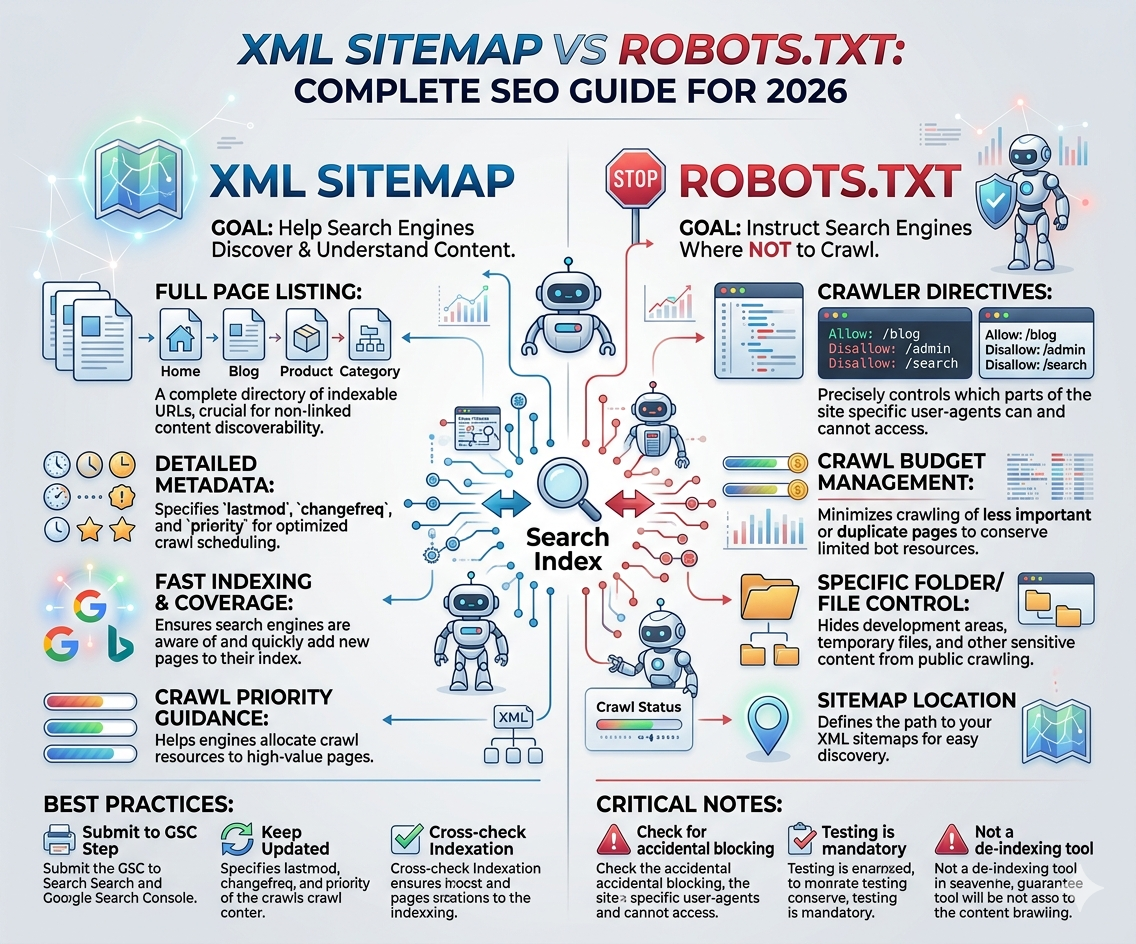
An XML sitemap is a file that lists all the important URLs on your website, along with optional metadata like when they were last updated. Think of it as a roadmap you hand directly to Google, saying “these are the pages worth visiting.”
Sitemaps don’t guarantee indexing Google still makes its own decisions but they accelerate discovery, especially for new sites or pages buried deep in your site architecture.
How to Structure Your SEO Sitemap Correctly
A basic XML sitemap looks like this:
<?xml version="1.0" encoding="UTF-8"?>
<urlset xmlns="http://www.sitemaps.org/schemas/sitemap/0.9">

  <url>
    <loc>https://dmcourseblog.com/</loc>
    <lastmod>2026-02-15</lastmod>
    <changefreq>weekly</changefreq>
    <priority>1.0</priority>
  </url>

  <url>
    <loc>https://dmcourseblog.com/technical-seo-basics/</loc>
    <lastmod>2026-02-21</lastmod>
    <changefreq>monthly</changefreq>
    <priority>0.8</priority>
  </url>

</urlset>
Only include canonical, indexable URLs. Don’t list pages with noindex tags or those returning non-200 status codes.
Most CMS platforms (WordPress, Wix, Squarespace) generate sitemaps automatically. Look for yours at yoursite.com/sitemap.xml or yoursite.com/sitemap_index.xml.
Submit your sitemap inGoogle Search Consoleunder Sitemaps → Add a new sitemap.
robots.txt — Controlling Crawler Access to Your Site
The robots.txt file lives at the root of your domain (yoursite.com/robots.txt) and acts as a set of instructions for web crawlers, telling them which areas of your site they’re allowed or not allowed to access.
It is important to understand that robots.txt is not a security tool. It’s a polite request — well-behaved bots respect it, but malicious scrapers won’t. Use it purely for managing crawl budget and keeping certain pages (like staging directories or admin panels) out of search results.
robots.txt Syntax Every SEO Beginner Should Know
# Allow all crawlers on the entire site
User-agent: *
Disallow:

# Block all crawlers from the admin area
User-agent: *
Disallow: /wp-admin/

# Block a specific bot from everything
User-agent: BadBot
Disallow: /

# Allow Googlebot but block images folder
User-agent: Googlebot
Disallow: /images/

# Point to your sitemap
Sitemap: https://dmcourseblog.com/sitemap.xml
Disallow: / blocks crawlers from your entire site. This single line accidentally left in place after development has torpedoed the rankings of real businesses overnight. Always double-check your robots.txt after a site migration or CMS update.
Core Web Vitals: Google’s Page Experience Ranking Signals
Core Web Vitals are a set of real-world, user-focused performance metrics that Google uses as ranking signals. Introduced officially in 2021, they measure three dimensions of user experience: loading speed, interactivity, and visual stability.
Poor scores don’t result in an overnight ranking collapse, but in a competitive niche where other signals are equal, Core Web Vitals can tip the scales. More importantly, pages that fail these metrics also tend to have high bounce rates which hurts conversions regardless of rankings.
Measures how long the largest visible element (usually a hero image or heading) takes to load.
Measures how quickly your page responds to any click, tap, or keyboard interaction from the user.
Measures unexpected movement of page elements like a button jumping before you can click it.
How to Improve Core Web Vitals Without Being a Developer
1. Measure first with PageSpeed Insights
Go to pagespeed.web.dev, enter your URL, and you’ll get scored on all three Core Web Vitals with specific recommendations ranked by impact.
2. Optimize images for faster LCP
Convert images to WebP format, add explicit width and height attributes, and use a CDN. These three changes alone often cut LCP scores in half.
3. Reduce CLS by reserving space for ads and media
Always set explicit dimensions on images, videos, and ad slots. Fonts that load late can also shift text — use font-display: swap in your CSS to prevent it.
4. Minimize main-thread blocking for better INP
Defer non-critical JavaScript, remove unused plugins, and use a caching plugin if you’re on WordPress. Plugins like WP Rocket or LiteSpeed Cache handle most of this automatically.
Your Technical SEO Basics Action Plan
Here’s a consolidated view of everything covered, prioritized so you know where to start:
| Topic | What to Do | Tool | Priority |
|---|---|---|---|
| Crawlability | Fix broken links and remove redirect chains | Screaming Frog / Search Console | High |
| Indexing | Audit noindex tags and canonicals | Google Search Console | High |
| XML Sitemap | Generate, clean, and submit to Search Console | Yoast SEO / native CMS | High |
| robots.txt | Review and test for accidental blocks | robots.txt Tester (Search Console) | High |
| Core Web Vitals | Score pages, fix images, defer JS | PageSpeed Insights / CrUX | Medium |
The beauty of technical SEO fundamentals is that you typically only need to set them up correctly once. Unlike content, which requires ongoing creation, a well-configured technical foundation quietly does its job in the background — making every future piece of content you publish more discoverable, faster to index, and better positioned to rank.
Ready for the Next Step?Once your technical foundation is solid, move on to on-page SEO — optimizing title tags, meta descriptions, heading structure, and internal linking. All of those efforts multiply in effectiveness when your technical layer is healthy.
Got it! Here are the CTAs — all starting with a topic insight and naturally weaving in NIDM:
Technical SEO is the silent engine behind every high-ranking website — and without it, even the best content stays invisible. As emphasized by NIDM (National Institute of Digital Marketing), marketers who master the technical foundation of SEO early will always have a decisive edge over those who treat it as an afterthought.