If you’ve opened Google Ads recently and wondered why “Performance Max” keeps appearing as the recommended campaign type – you’re not alone. This Performance Max Guide will help you understand everything clearly. Performance Max (PMax) is now Google’s most promoted campaign format, and in 2026 it drives nearly 45% of all Google Ads conversions.
Still, many beginners either ignore it or launch it without understanding how it works. That often leads to wasted budget. This Performance Max Guide will show you exactly what it is, how it works, and how to use it correctly.
What You’ll Learn in This Performance Max Guide
- What Performance Max is and how it works
- Which channels it runs ads on
- How to set up your first campaign step by step
- Asset groups, audience signals, and bidding explained
- Common beginner mistakes and how to avoid them
- When NOT to use Performance Max
What Is Performance Max?
Simple Explanation
Performance Max is a fully automated, AI-driven campaign type that runs ads across all Google platforms from a single campaign.
Instead of creating separate campaigns for Search, Display, and YouTube, you provide creative assets, a goal, and a budget. Google’s AI then decides where to show ads, who sees them, and how much to bid.
Simple idea:
Think of it as a smart assistant managing ads across multiple platforms at the same time.
Which Channels Does It Use?
Channels Overview
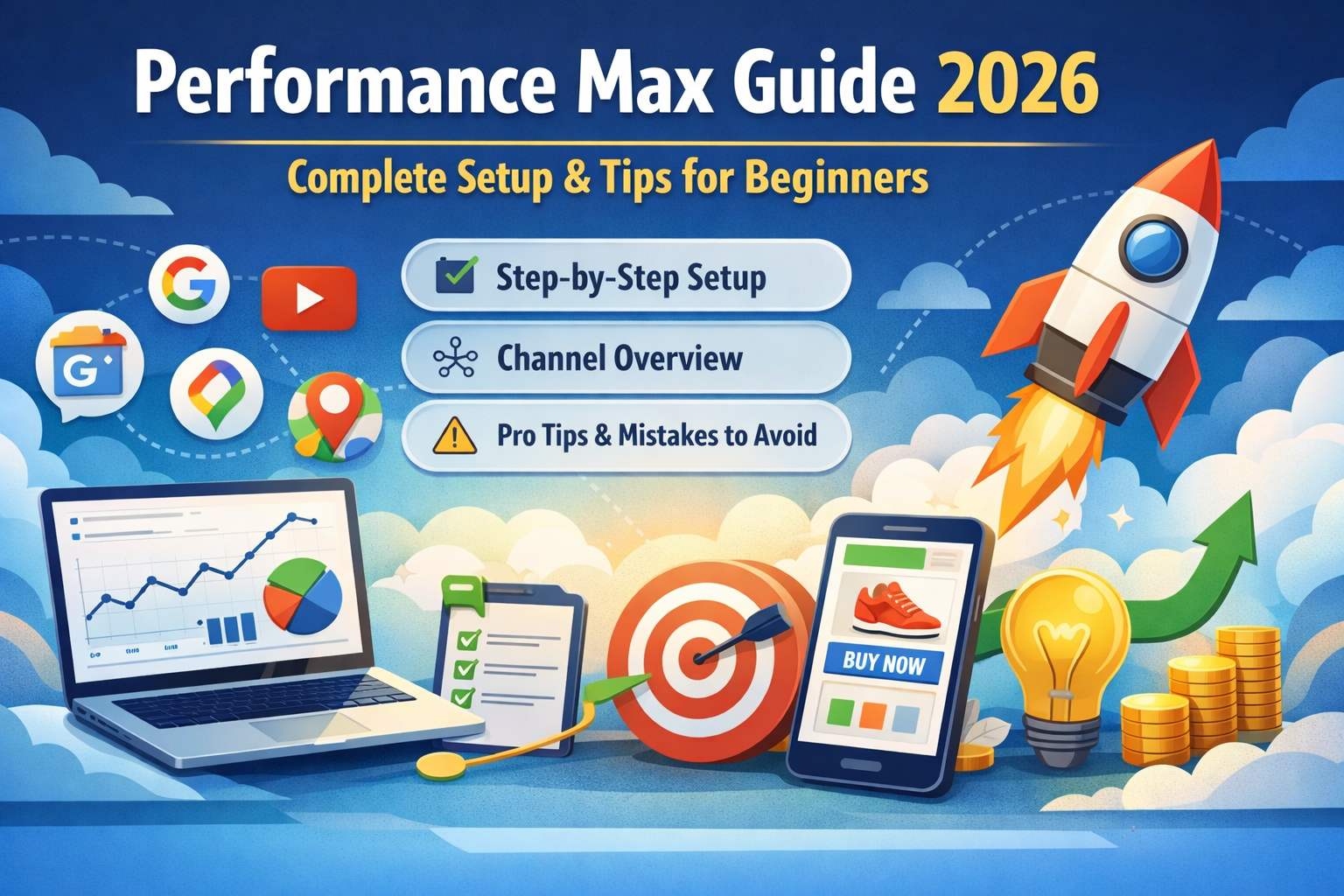
A single campaign can run across:
- Google Search
- Google Shopping
- YouTube
- Google Display Network
- Gmail
- Google Discover
- Google Maps
Most conversions come from Search and Shopping, while YouTube and Display help build awareness.
How Does It Work?
Inputs Explained
Performance Max makes three key decisions:
- Where to show your ad
- Who to show it to
- How much to bid
Inputs you provide:
- Creative assets (headlines, images, videos)
- Audience signals (customer data, interests)
- Conversion goal and budget
Important:
Audience signals are only hints, not strict targeting.
Performance Max vs Other Campaigns
| Feature | Performance Max | Search Campaign | Shopping Campaign |
|---|---|---|---|
| Channels | All Google channels | Search only | Shopping + Search |
| Control | AI-based | Manual/Smart | Feed-based |
| Best for | Scale & reach | Keyword targeting | E-commerce |
Performance Max Guide: Step-by-Step Setup
Process
Set Up Conversion Tracking
- Install tracking for purchases, leads, or calls
- Link Google Ads with Google Analytics 4
- Test conversions
Tip: Aim for 30–50 conversions per month.
Create Campaign
- Click “New Campaign”
- Choose goal (Sales/Leads)
- Select Performance Max
Budget and Bidding
- Start with ₹1,000–₹2,000 per day
- Choose “Maximise Conversions”
Create Asset Group
Include:
- 5+ headlines
- 5+ images
- 2+ descriptions
- 1+ video
Add Audience Signals
- Customer list
- Website visitors
- Custom segments
Add Search Themes
- Add 10–25 keyword themes
- Use specific phrases
URL Settings
- Turn OFF URL expansion for focused landing pages
- Keep it ON for large websites
Brand Exclusions
- Prevent ads on your brand name
- Save budget
Launch Campaign
Check everything before publishing.
Performance Max Learning Period
Learning Phase
- Lasts 4–6 weeks
- Avoid major changes
- Results improve over time
Key Metrics to Track
- Conversion Rate
- Cost per Conversion (CPA)
- Return on Ad Spend (ROAS)
- Asset Performance
- Search Theme Insights
Common Mistakes to Avoid
Mistakes Beginners Make
- No conversion tracking
- Changing campaign too early
- Low-quality assets
- Ignoring insights
- No brand exclusions
When NOT to Use It
Limitations
Avoid if:
- No conversion data
- Budget below ₹15,000/month
- Need full keyword control
- Less than 30 conversions/month
Performance Max Guide: What’s New in 2026
- Search themes
- Brand exclusions (easy setup)
- Better reporting
- Strong focus on video
Quick Checklist
- Set conversion tracking ✔
- Link GA4 ✔
- Create campaign ✔
- Add assets ✔
- Add audience signals ✔
- Add search themes ✔
- Set brand exclusions ✔
- Wait 4–6 weeks ✔
Conclusion
This Performance Max Guide shows that Performance Max is not a shortcut but a powerful tool when used correctly. With good data, strong creatives, and patience, it can deliver excellent results.
Start small. Learn from data. Improve step by step.
Ready to Master Google Ads & Performance Max?
Join NIDM’s Digital Marketing Classes in Bangalore and get hands-on training, real campaign experience, and job-ready skills.